
Choosing medical alert systems with fall detection means looking beyond a help button. You need to know where the device works, how an alert reaches someone, what happens if you cannot answer, and what the complete service costs. This guide helps older adults and families compare those decisions without assuming one device suits every routine.
1. How Does Automatic Fall Detection Work?
Automatic fall detection uses sensors and software to identify movement that may indicate a fall. If a compatible, active system recognizes that pattern, it can initiate an alert without a manual button press. The details depend on the device; a feature offered on one pendant is not automatically available on every watch or accessory from the same brand.
Lifeline's explanation describes motion and pressure sensing and the connection to its response center. For that type of monitored service, an operator attempts to understand the situation before arranging appropriate assistance. Detection is the beginning of the process, not confirmation that an ambulance has arrived.
- Sensors recognize a possible fall.
- The device initiates an alert.
- Monitoring staff attempt to speak with you.
- Contacts or emergency responders are notified as appropriate.
This is an illustrative sequence for a professionally monitored system. Procedures vary by provider; detection and connectivity are required.
Ask the provider to explain the whole sequence: Does the device announce an alert? Can you cancel an accidental activation? Who is contacted if you do not answer? Save those instructions somewhere a family member can find them. Services may use different escalation steps, so do not assume a diagram describes every product.
2. Can Fall Detection Miss a Fall or Trigger a False Alarm?
Yes. Medical Guardian's FAQ states that fall detection does not identify every fall and advises using the help button whenever possible during an emergency. MobileHelp also explains that detection can miss falls or generate false alerts. This limitation belongs near the top of a buying decision, not only in the small print.
Keep the SOS button part of your plan. If you need help and can press the button, follow your device's instructions and use it. Do not wait for automatic detection to decide that an emergency has happened.
Ask how to handle an accidental alert and what monitoring staff do if speech is unclear. Practice the approved button-test procedure instead of attempting a fall yourself. A test of the help button checks that communication path; it is not proof that the device will recognize every kind of fall.
Detection also differs from prevention. The National Institute on Aging discusses steps such as making the home safer and reviewing fall risks. A wearable can be part of a support plan while those separate precautions remain important.
3. Should You Choose an At-Home System, Mobile Pendant, or Watch?
Start with an ordinary week. List the rooms you use, time spent outdoors, regular errands, and who is nearby. Bay Alarm Medical's buying guide organizes choices around activities and coverage needs. That is a useful starting point before comparing optional features.
At-home systems
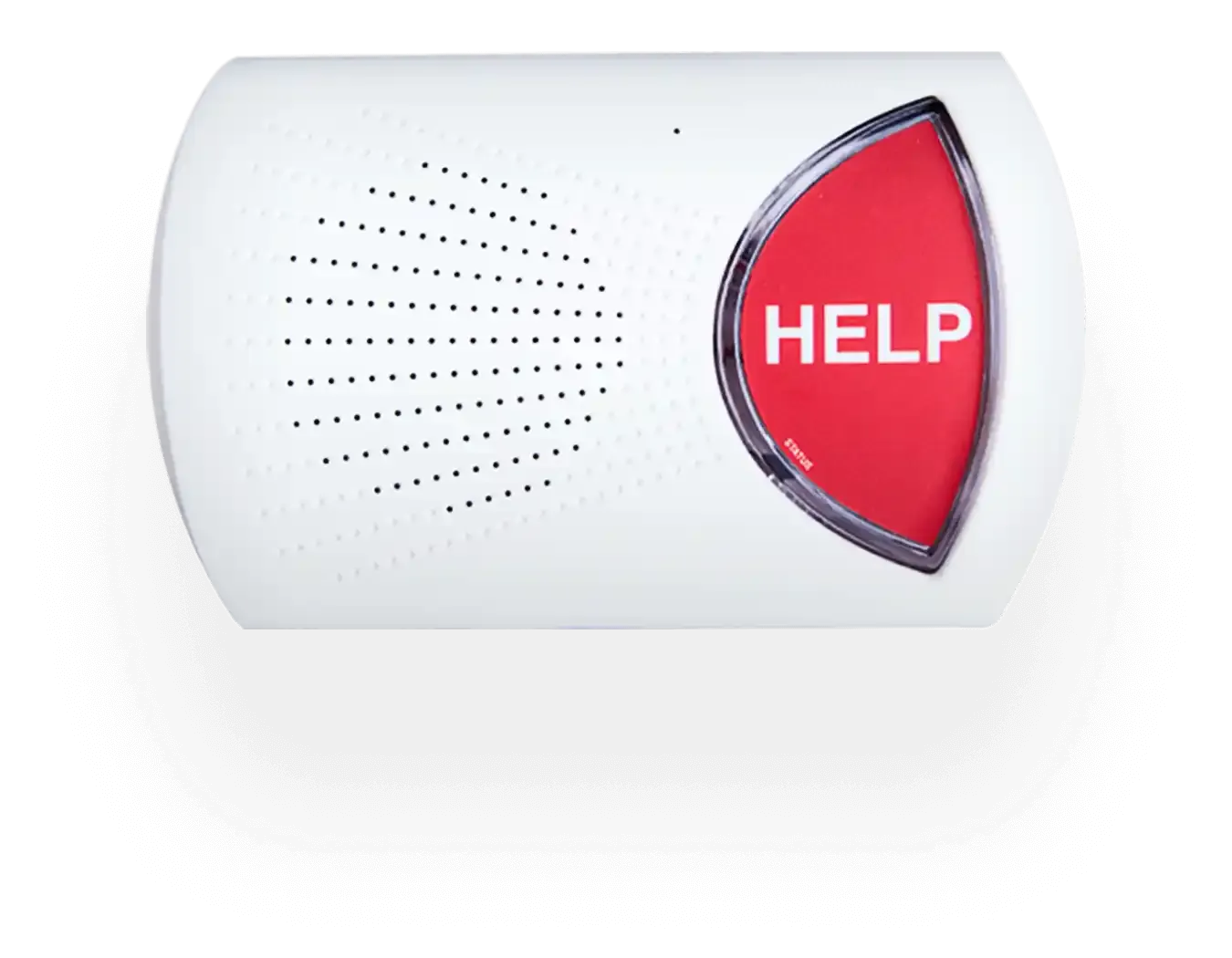
A home setup typically combines a base station with a wearable button. Ask about the usable range in your own rooms and yard, where two-way speech happens, and whether the fall-detection accessory differs from the standard button. Check connection requirements before choosing between landline and cellular versions.
Mobile pendants
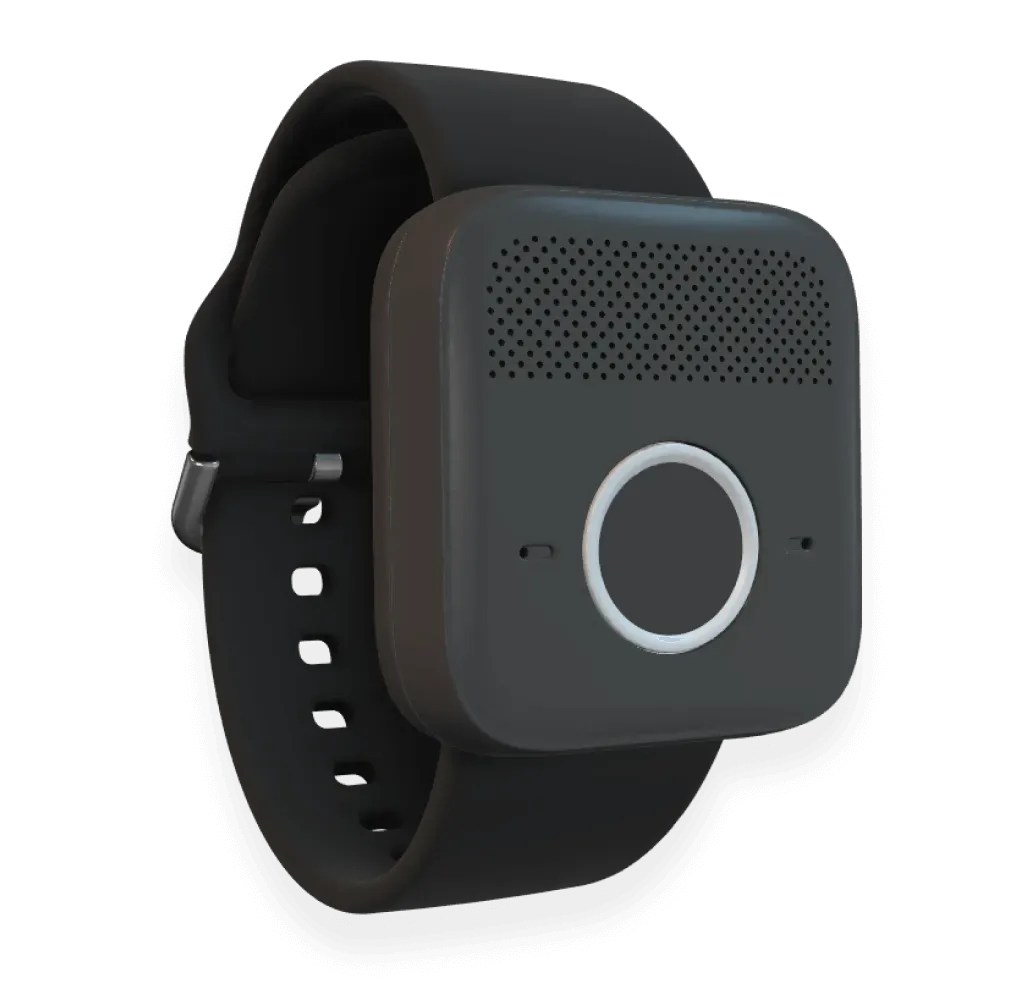
A portable device may suit someone who shops, walks, or visits friends. Ask about coverage at the places you actually visit, how location is communicated, and what happens during charging. A device marketed for nationwide use still needs the connections specified by its manufacturer.
Medical alert watches
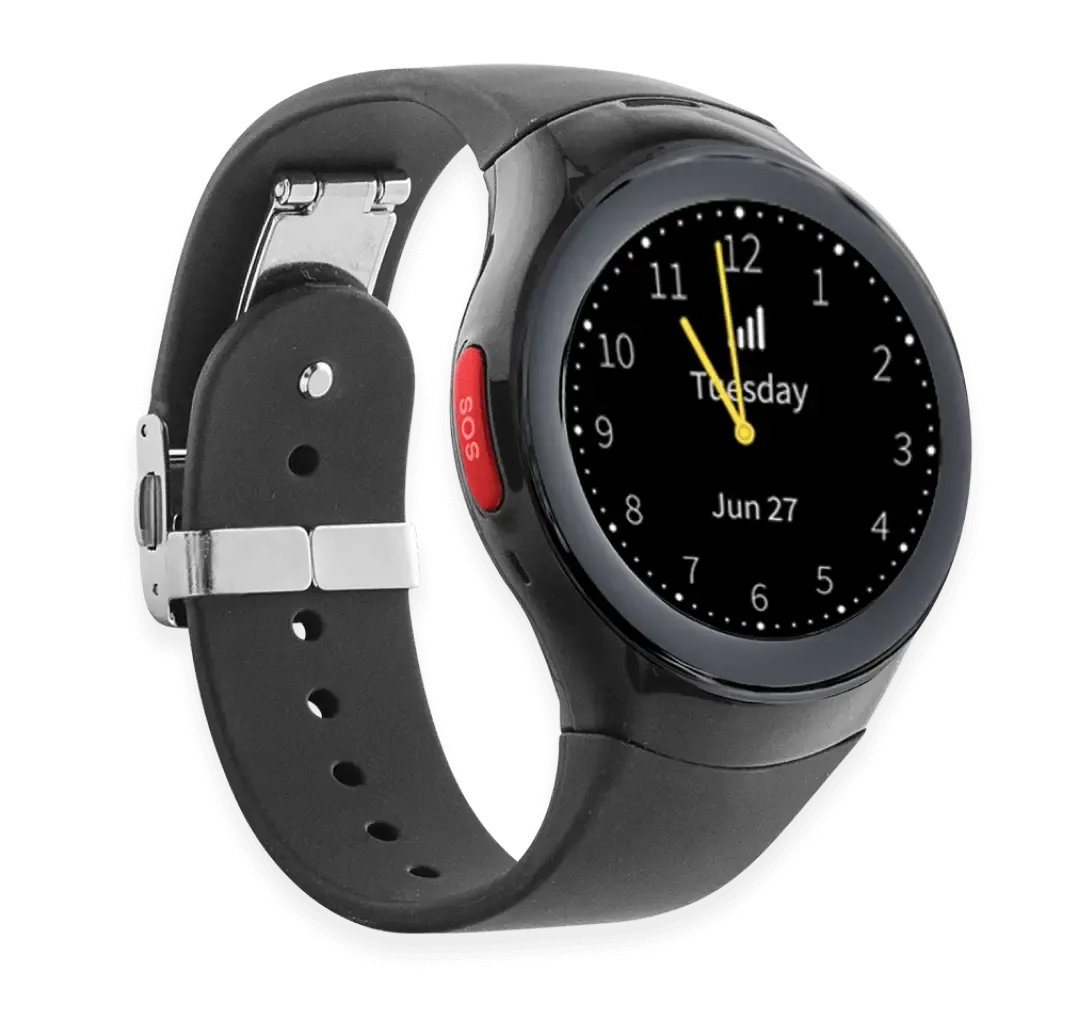
A watch may fit someone's clothing preferences better than a pendant. Check whether the exact watch supports automatic detection, how its SOS function works, and whether the wearer can operate and charge it comfortably. A familiar shape does not establish that its emergency features match another watch's features.
4. Which Medical Alert Systems Should You Compare?
These four models provide a starting shortlist for mobile use. They are not ranked by accuracy, and inclusion does not mean we tested them. Product names and offers can change; use the official pages to confirm the configuration you intend to order.
Scroll horizontally to see all columns.
| Model | Format and connection | Fall detection | Question before ordering |
|---|---|---|---|
| Medical Guardian MGMini | Mobile pendant; cellular and location features | Optional, advertised at $10/month extra | Confirm current availability, wearing position, and battery specification. |
| Bay Alarm Medical SOS Micro | Compact mobile device with GPS | Listed among the brand's fall-detection options | Confirm compatible accessories, connection, and complete service quote. |
| MobileHelp Elite | Mobile necklace; AT&T 4G LTE, GPS and Wi-Fi-assisted location | Available; phone-only promotional offer advertised | Ask how long the promotion lasts and what renewal costs. |
| LifeFone VIPx2 | Voice-in-pendant; cellular, Wi-Fi and GPS location | Optional, advertised at $5/month extra | Confirm runtime with detection enabled and the selected billing cycle. |
Medical Guardian MGMini
The MGMini page describes two-way audio, location features, and optional detection. Confirm whether this model or a newer alternative is being supplied. The same page contains different battery descriptions, so obtain the current specification for your order rather than treating the longest published figure as a promise. Read our Medical Guardian review for wider provider context.
Bay Alarm Medical SOS Micro
Consider this model if you want to investigate a compact mobile option. The official guide lists GPS and a starting subscription price, but that does not establish the cost of your fall-detection configuration. Ask for the complete package, including any required accessory. Our Bay Alarm Medical review covers the broader lineup.
MobileHelp Elite
The Elite product page advertises two-way monitoring and a specific telephone promotion. Keep a written copy of any offer you accept. Ask about its duration, eligibility, and what follows the promotional period. Our MobileHelp review gives additional context for comparing the provider.
LifeFone VIPx2
The VIPx2 page lists optional detection and a separately priced caregiver app. Decide whether both are useful before adding them. Its battery descriptions vary within the page, and it notes that detection can reduce runtime. Confirm the charging routine for your configuration.
5. How Much Do Medical Alert Systems With Fall Detection Cost?
Compare the same combination of services across providers. A monitoring-only price differs from monitoring plus automatic detection. An annual-plan monthly equivalent also differs from a subscription that you pay one month at a time.
Scroll horizontally to see all columns.
| Model | Base service | Detection | Recurring subtotal | Billing and upfront charges |
|---|---|---|---|---|
| MGMini | From $39.95/month | +$10/month | From $49.95/month | Starting-rate billing basis and equipment charges need a written quote. |
| SOS Micro | From $34.95/month | Confirm add-on price | Not verified | Confirm billing cycle, equipment, activation and shipping charges. |
| Elite phone offer | $35/month promotional rate | Included under FALLFREE offer | $35/month during eligible offer | Phone-only, limited-time promotion; confirm duration, renewal and order total. |
| VIPx2 annual plan | $39.95/month equivalent | +$5/month | $44.95/month equivalent | Annual-plan basis; product page lists no equipment or activation fee. Confirm shipping and taxes. |
Sources: MGMini pricing, SOS Micro starting rate, Elite offer, and VIPx2 pricing.
Ask for a first-year total covering recurring service, equipment, activation, delivery, optional protection, and taxes where applicable. For illustration, twelve months at a $44.95 equivalent is $539.40 before other charges; that arithmetic is not a checkout quote or a guarantee about how the provider collects payment.
Also ask when cancellation takes effect, whether equipment must arrive back before billing stops, and how unused prepaid months are treated. LifeFone's FAQ illustrates why return timing matters. Confirm the terms for the company you select instead of applying one provider's policy to the whole market.
6. How Do You Choose a System for Your Daily Routine?
Make a short list with the person who will wear the device. Begin with practical preferences, then use the specifications to check whether each option fits. A useful comparison worksheet includes these questions:
- Location: Where would help most likely be needed, and does the setup cover those places?
- Comfort: Would the wearer prefer a pendant or watch, and can they reach the button easily?
- Charging: Who will notice a low battery and make sure the device is ready again?
- Communication: Can the wearer use the speaker, and what is the plan if they cannot respond?
- Family involvement: Which contacts should receive updates, and do those people agree to that role?
- Budget: Is the complete recurring cost affordable after any introductory offer ends?
Keep the person's preferences visible throughout the decision. Ask them to describe what would make the device inconvenient, whether that is its size, charging location, or appearance. Bring those concerns to the provider before ordering. If you need advice about individual fall risk, discuss it with a qualified healthcare professional rather than asking a product ranking to answer a clinical question.
7. What Should You Check After Setup?
For a neck-worn pendant, follow the model's instructions for placement and lanyard adjustment. Confirm that automatic detection is enabled.
MobileHelp's instructions emphasize placement, charging, service activation, and regular testing. Medical Alert also distinguishes wearable help buttons from other system parts when describing water resistance. Follow the instructions for the actual item you have, including its charger and base station.
- Confirm that the order and account show detection as active on the intended device.
- Read the wearing instructions together and adjust only as the manufacturer directs.
- Complete the approved help-button test and tell the responder you are testing.
- Check the setup in the rooms or locations recommended by the provider.
- Review emergency contacts, the home address, and account-specific response instructions.
- Put charging and approved routine tests on a shared calendar, with a person responsible for each.
Store the quick-start guide somewhere accessible. If an accessory looks similar to a fall-detection pendant, verify its function instead of guessing from appearance. Ask support about anything unclear before relying on the system. Do not simulate a fall to test it.
8. Make Your Shortlist
Choose two or three configurations that fit your routine, request written quotes, and compare the complete first-year cost. Ask the wearer to help decide what feels manageable. Read the service terms and setup instructions before relying on automatic detection. The goal is an understandable, usable way to request assistance, with realistic expectations about its limits.
Our provider reviews can help you identify questions to bring to each company. Compare the final device and service package rather than assuming every product sold under a familiar brand works the same way.
Compare Medical Alert Systems